ENCY Hyper
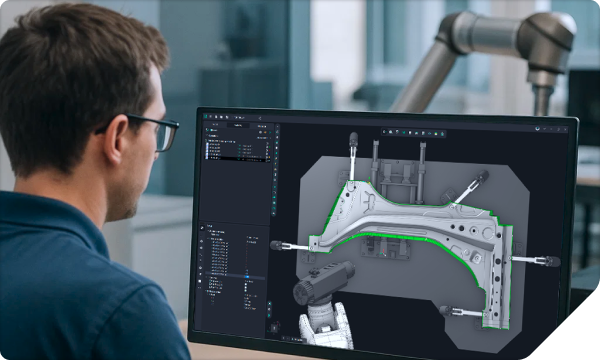
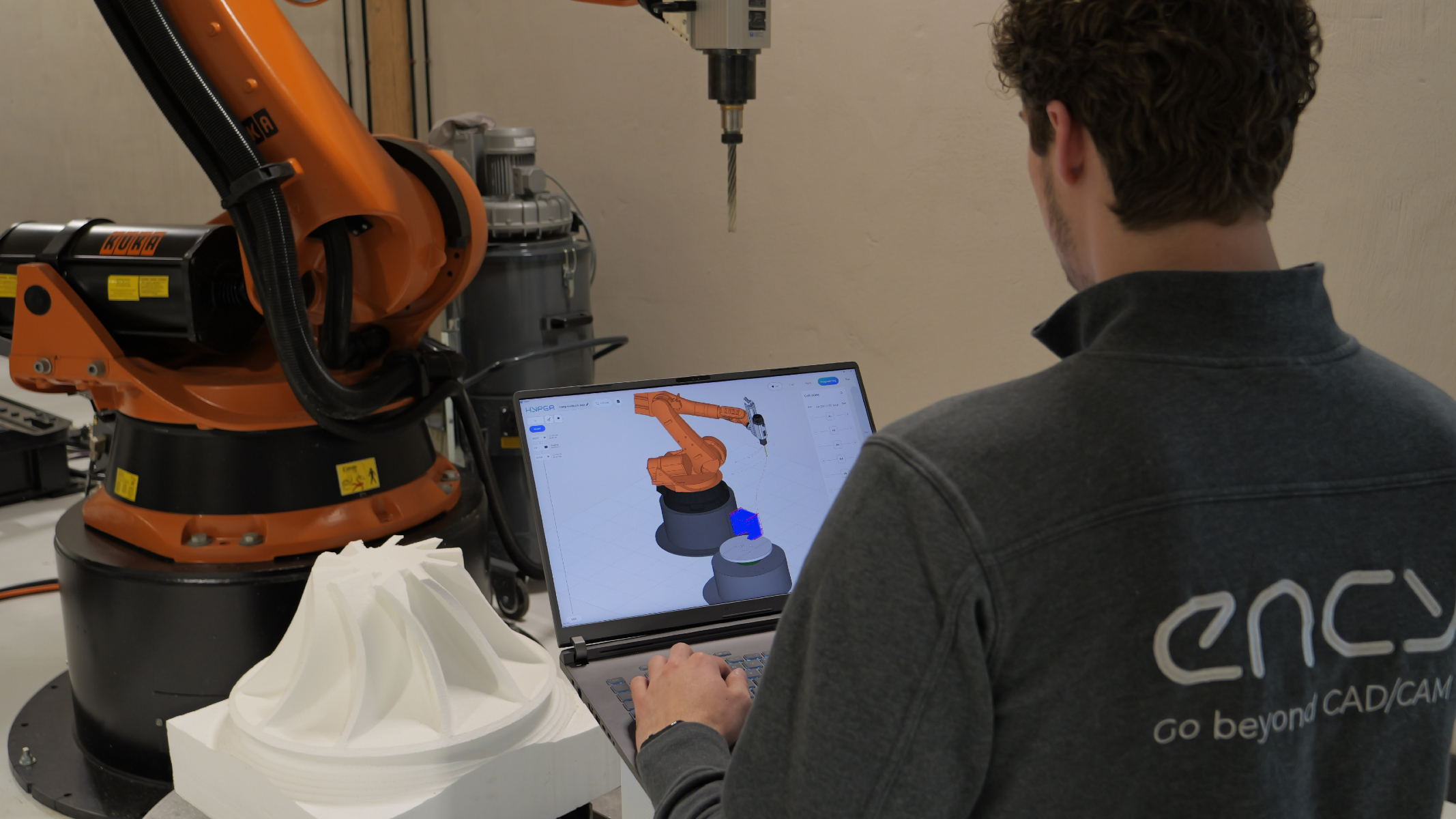
Empowers every shop-floor operator with the capabilities of a professional robot platform.
ENCY Hyper
Empowers every shop-floor operator with the capabilities of a professional robot platform.
An incredibly simple workflow
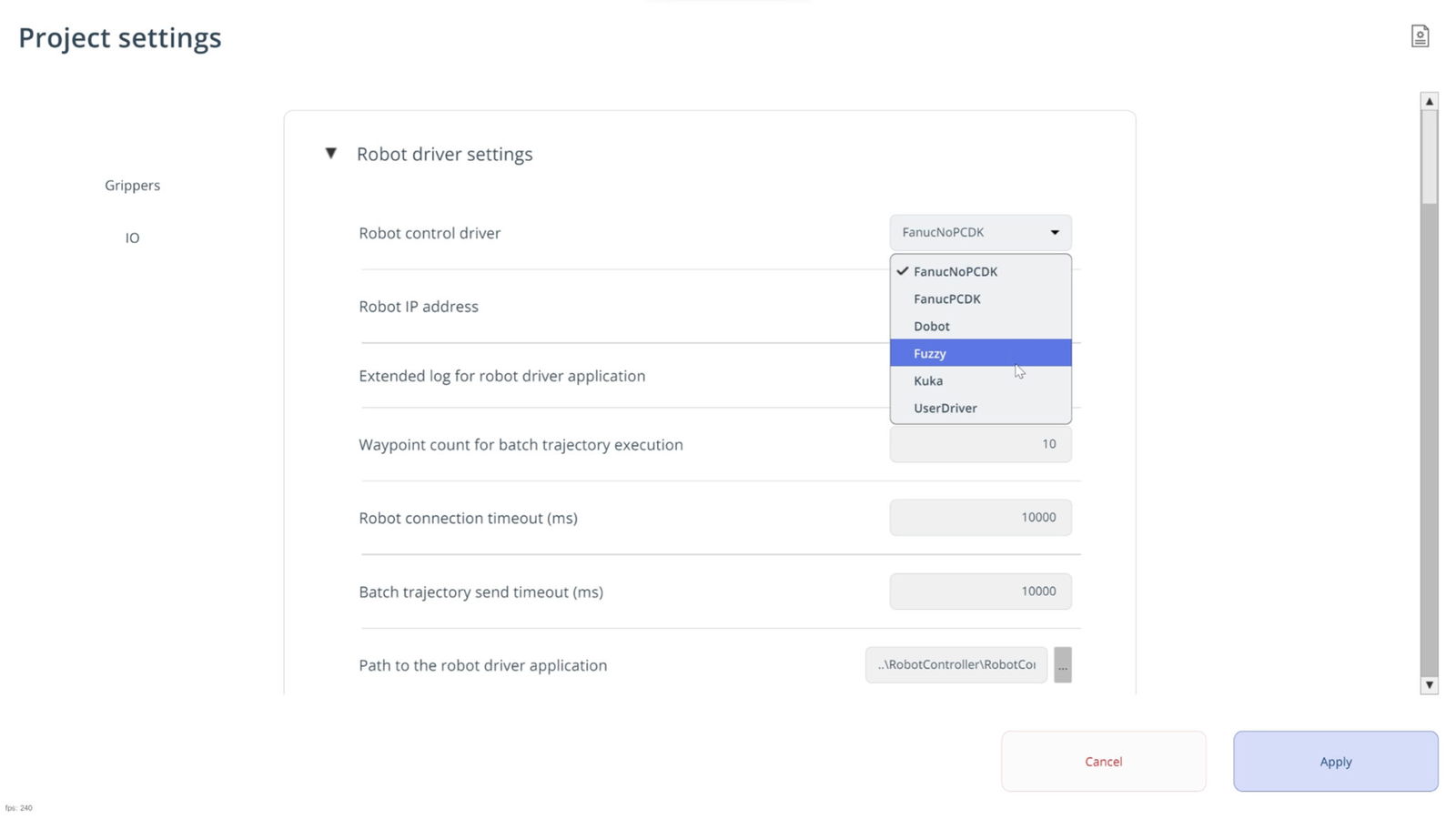
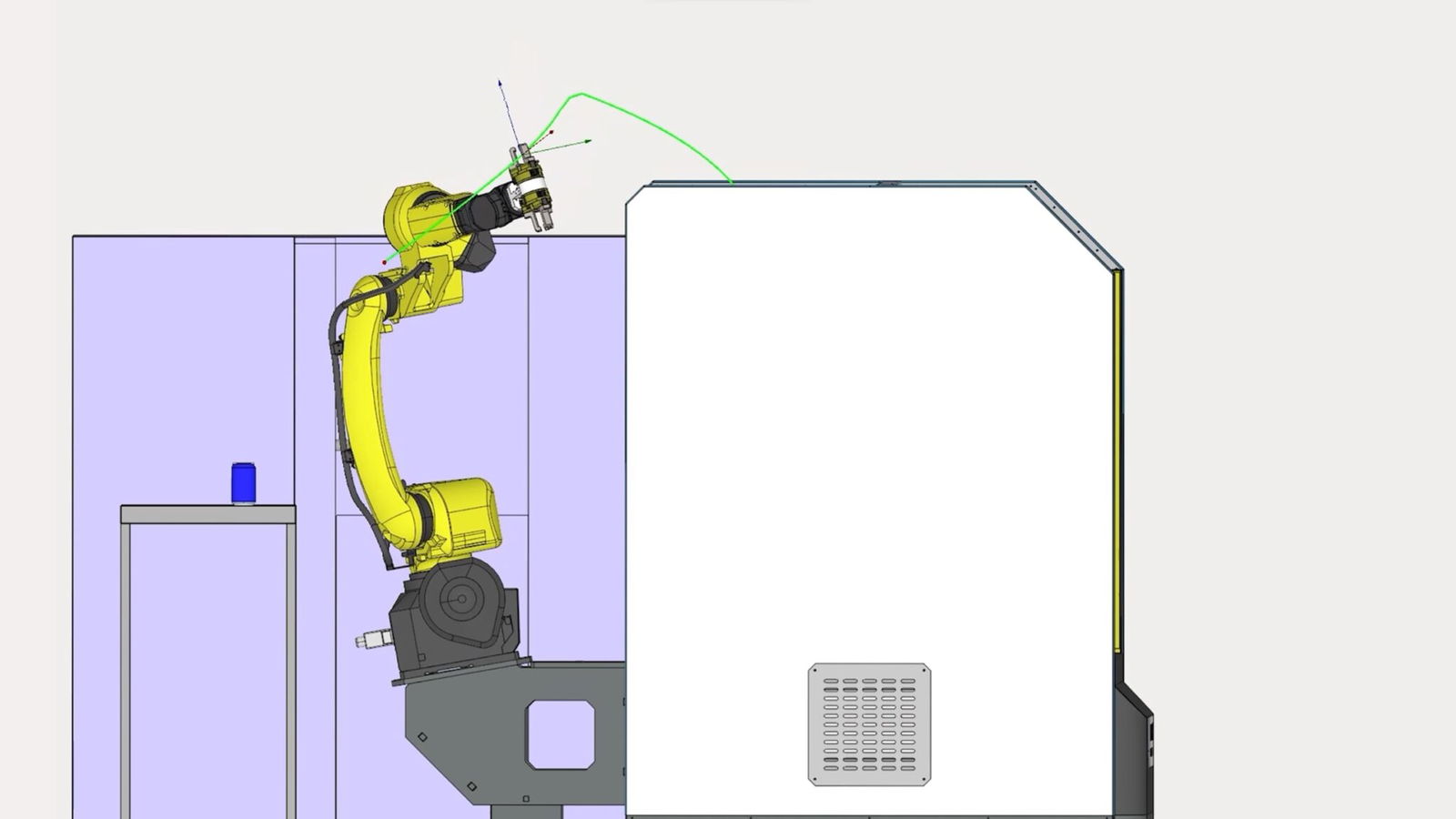
With support for multiple robot brands, real-time control, and block-based programming, you work faster and more intuitively than ever. Advanced features such as collision avoidance and precise trajectory calculation ensure maximum safety and efficiency within one powerful cross-platform platform.
An incredibly simple workflow
With support for multiple robot brands, real-time control, and block-based programming, you work faster and more intuitively than ever. Advanced features such as collision avoidance and precise trajectory calculation ensure maximum safety and efficiency within one powerful cross-platform platform.
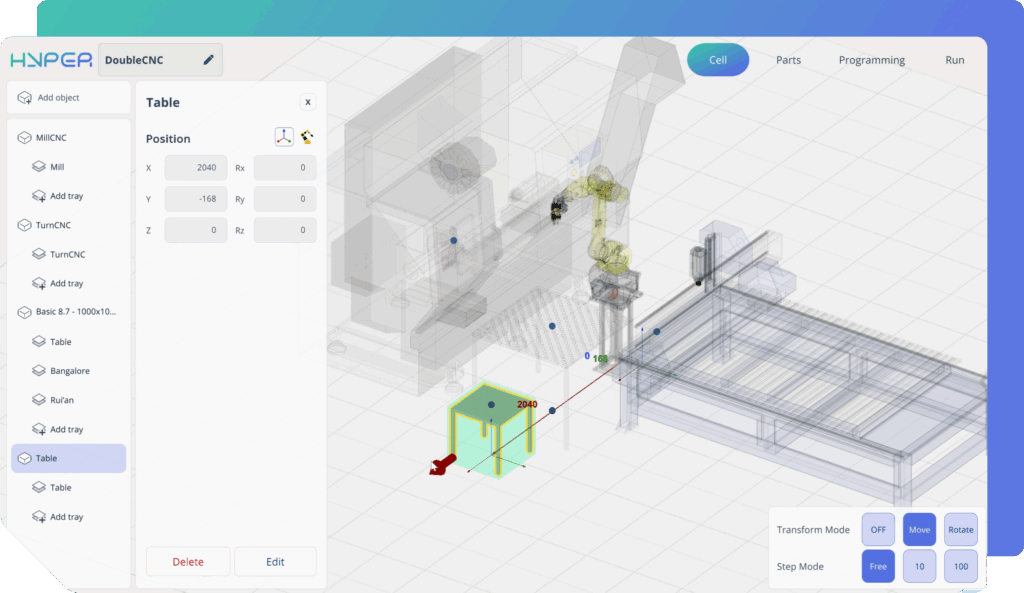
Cell Mode
The robot cell can be created in ENCY MachineMaker, our digital twin builder, and then loaded into ENCY Hyper. Here, you can edit the robot cell — add or modify components and adjust layout parameters.
Parts Mode
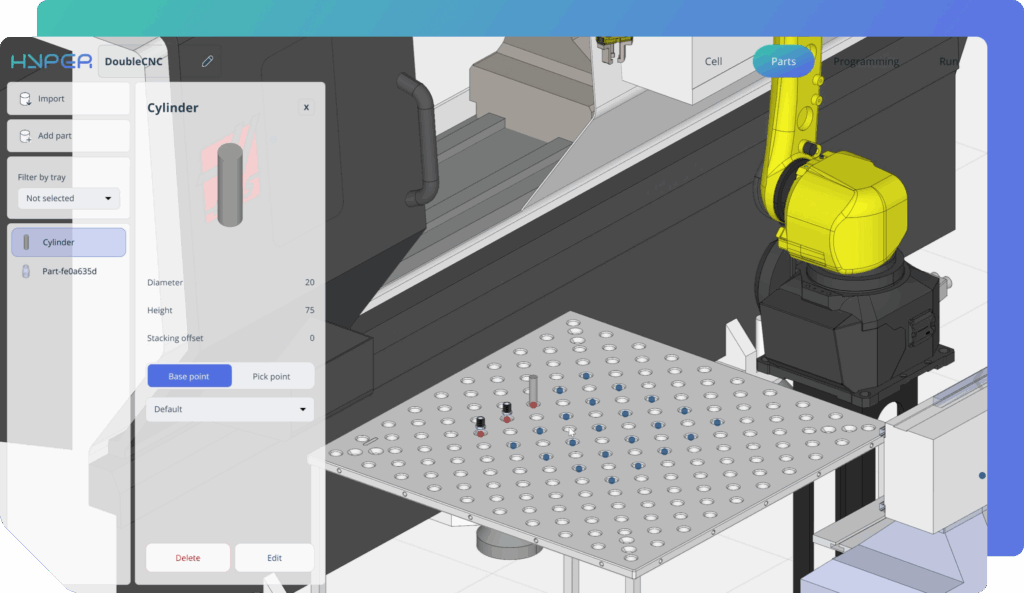
In this mode, you define the parts. You can import a CAD model or build a parametric one directly. Then you set the gripping points and arrange the parts in the workspace — for example, on pallets or tables.
Programming Mode
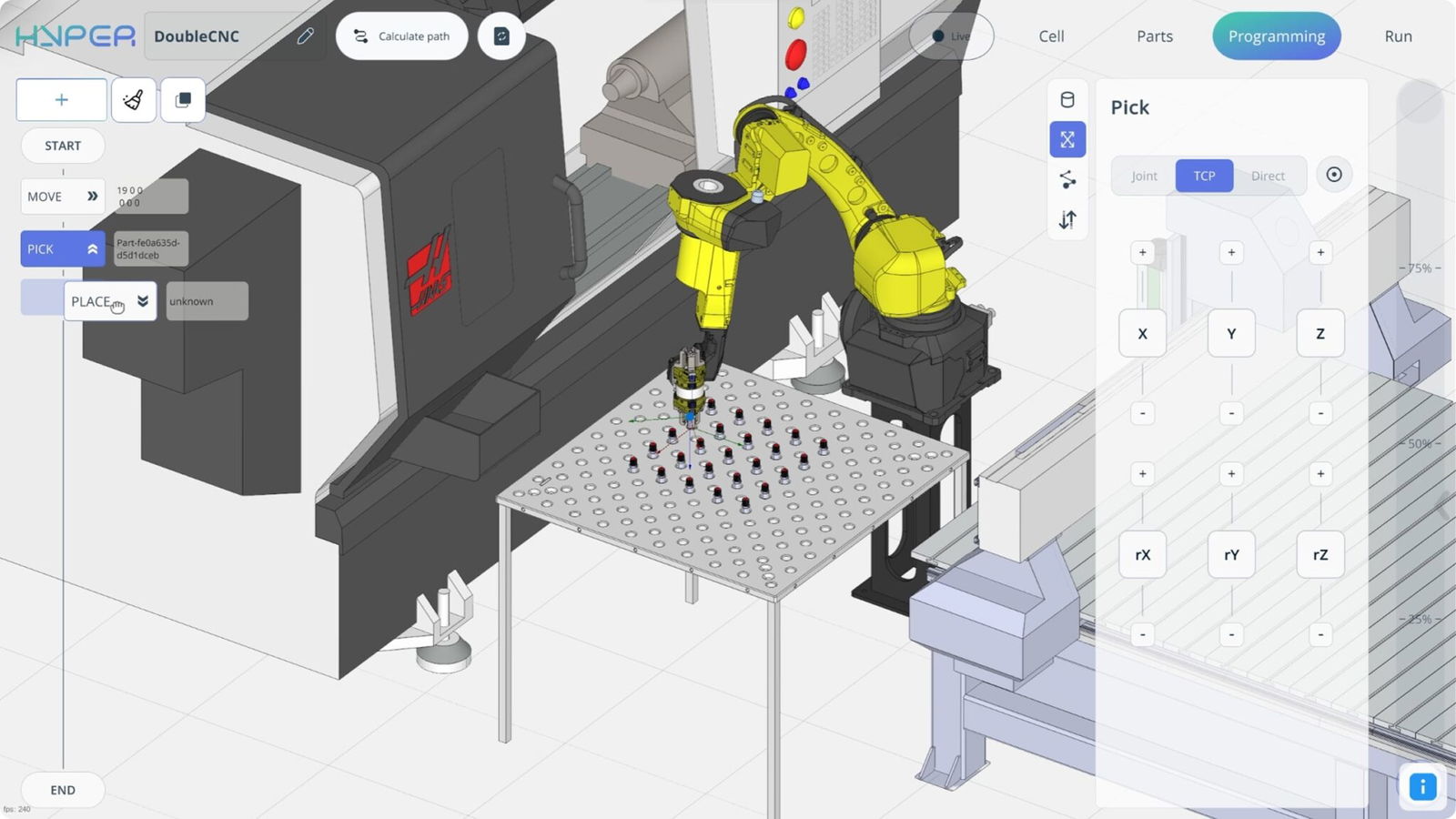
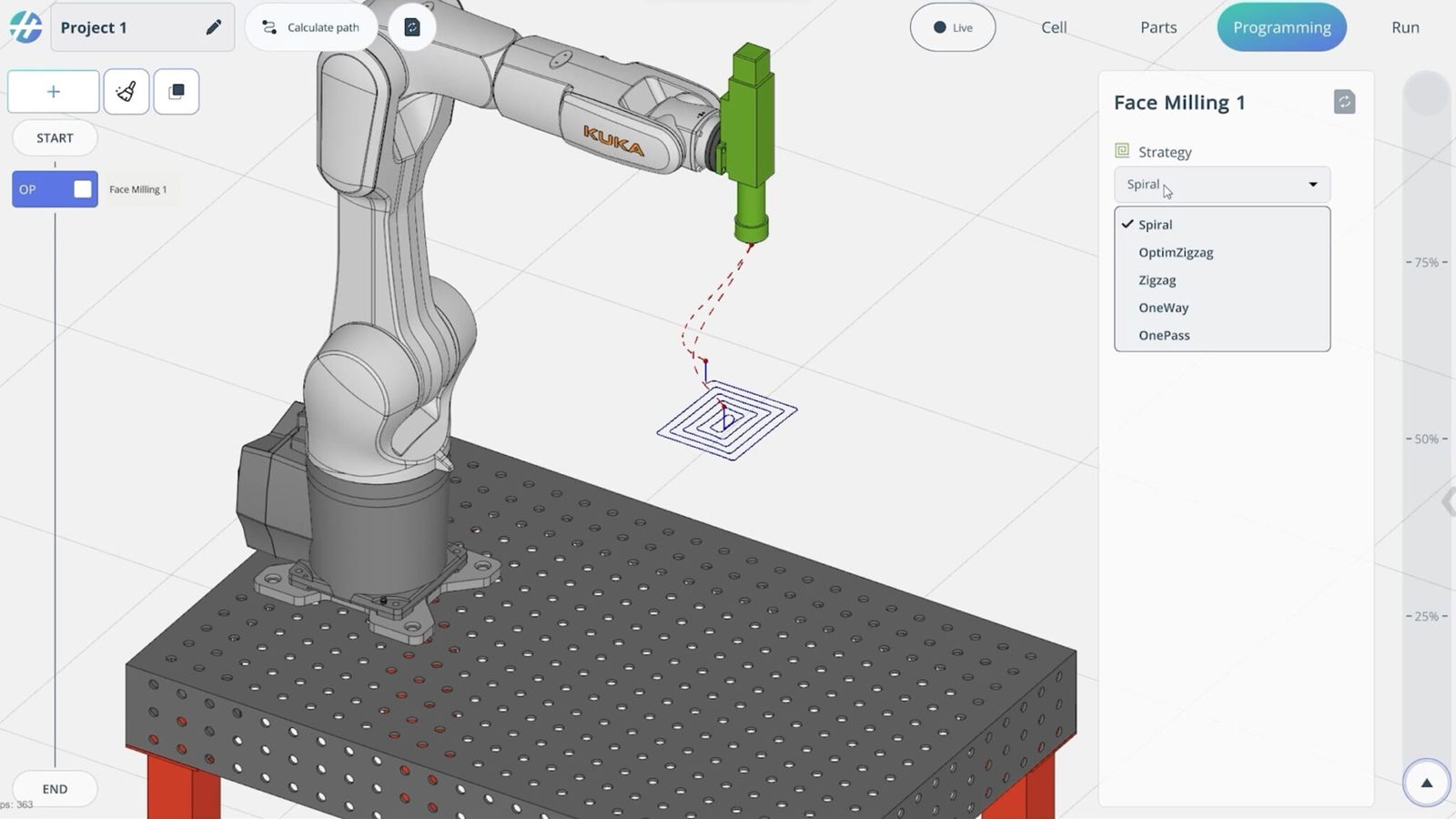
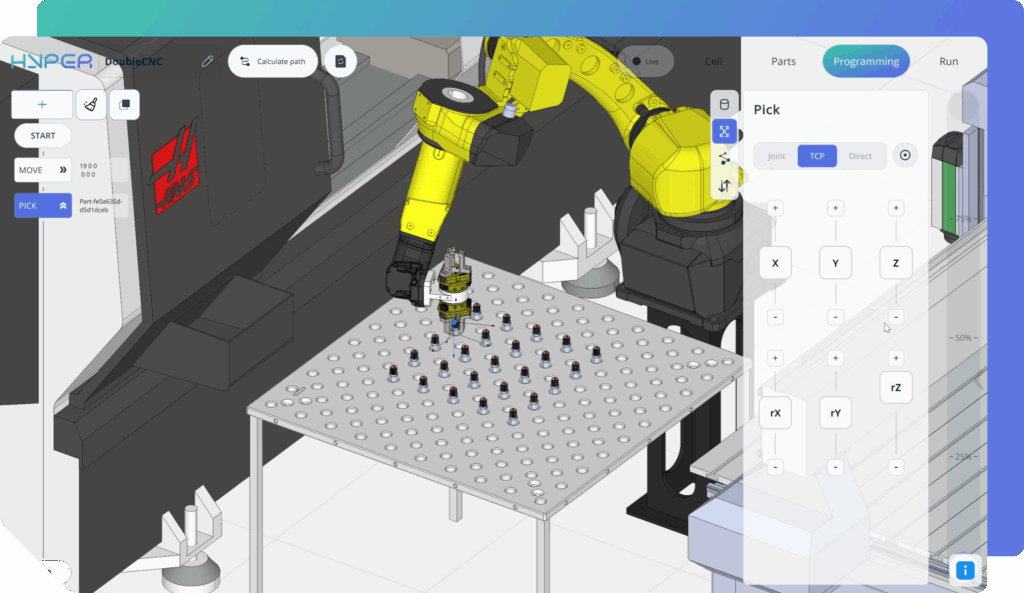
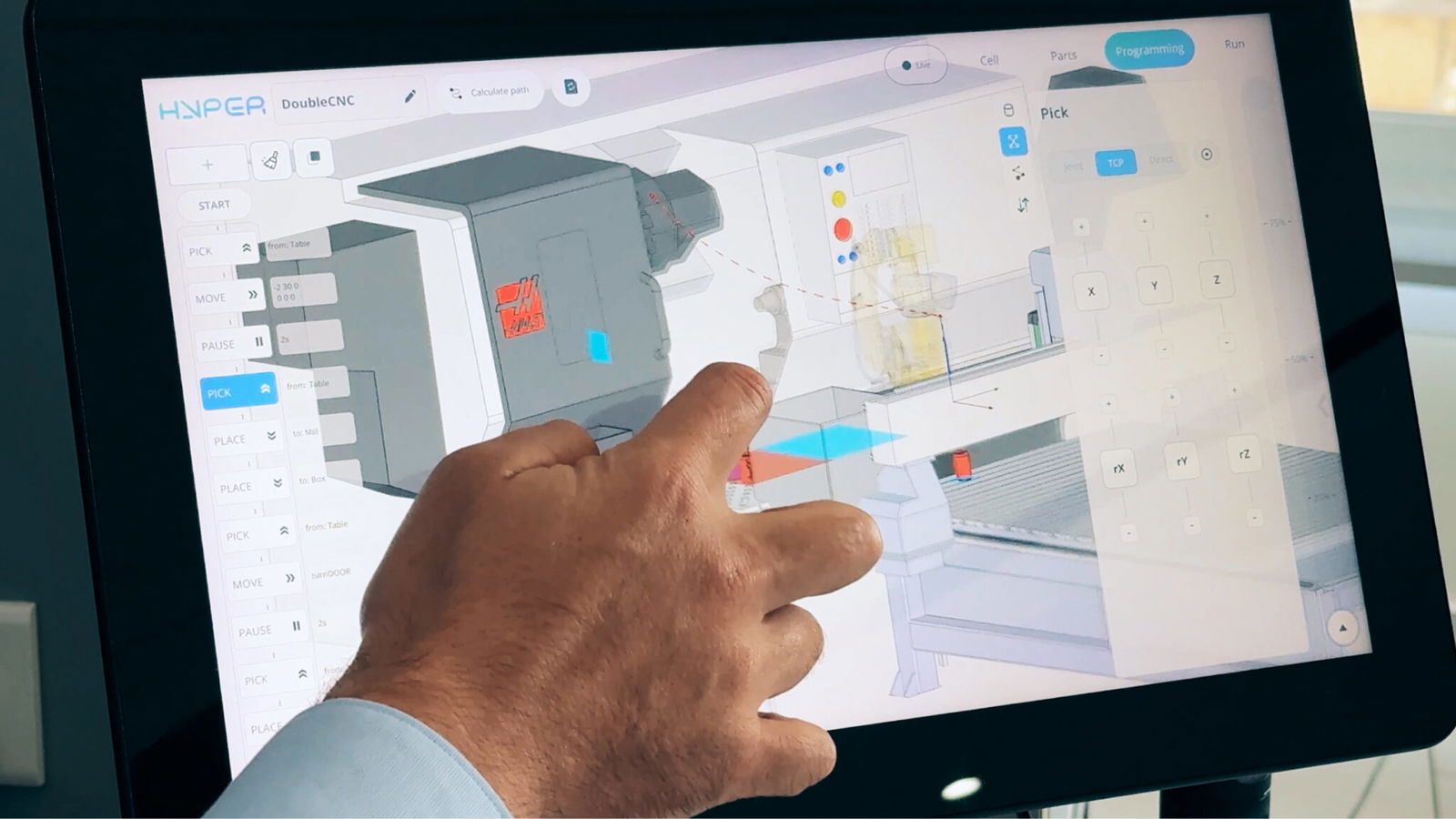
You create your robot program visually by placing command blocks and connecting them in sequence. Once your sequence is ready, you can test it either in a virtual simulation or directly on the real robot — just press Live.
Run Mode
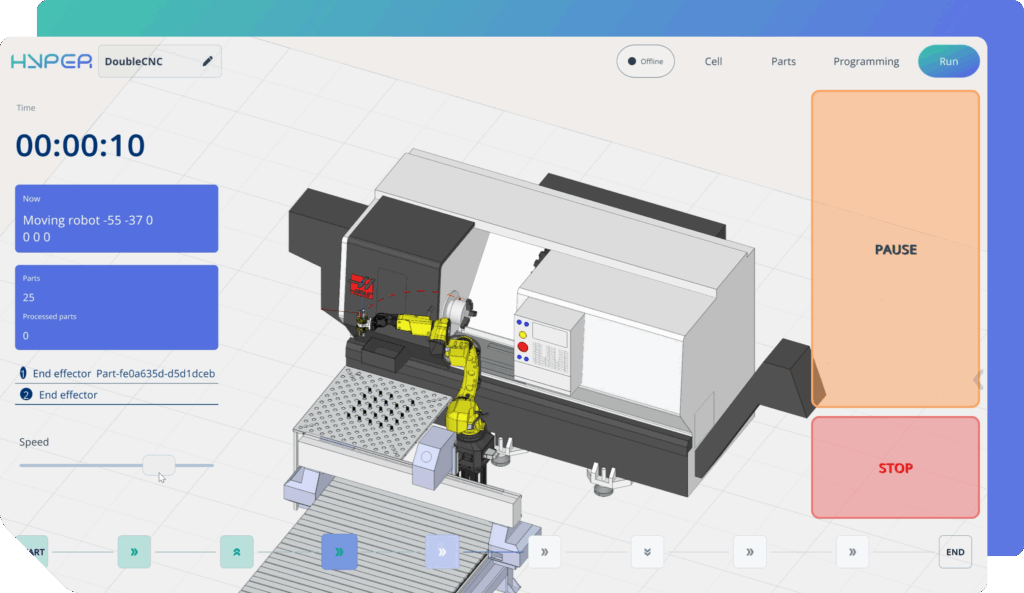
When the program is ready, switch to Run Mode to execute it on the real robot. Here, you can control the speed, monitor the current task, and track the tool status — all in real time. All robot movements in the real cell are simultaneously reflected in the digital twin and displayed in the software interface.
Find out more in this 10-minute video
With support for multiple robot brands, real-time control, and block-based programming, you work faster and more intuitively than ever. Advanced features such as collision avoidance and precise trajectory calculation ensure maximum safety and efficiency within one powerful cross-platform platform.
Advantages of hybrid programming compared to
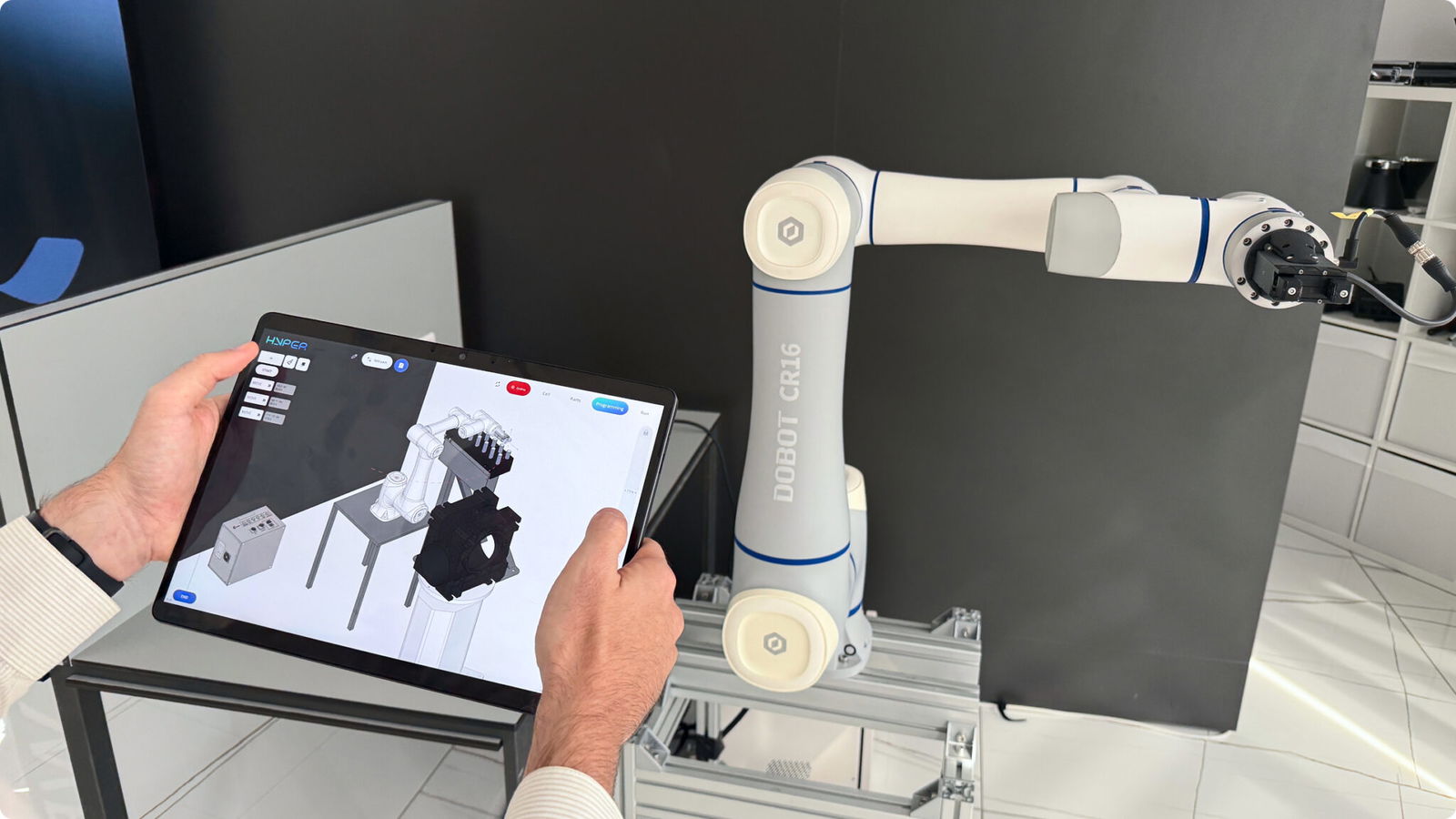
ENCY Hyper keeps the user in the loop with the real robot — allowing the program to be executed and refined simultaneously. In simple terms, the platform connects to the robot controller online, enabling the engineer to test and adjust robot motions directly on the real robot while observing the results both in the virtual model and in the physical cell.
Traditional online methods
- Zero downtime
- Real-time digital twin feedback
- Smart auto-calibration
- Fast changeovers
Pure offline systems
- Real-world synchronization
- Minimal post-calibration
- Bi-directional workflow
- Lightweight deployment
- Adaptive learning
AI-only tools
- Human-supervised intelligence
- Deterministic results
- Full process context
- Industrial reliability
- Collaborative hybrid mode
Configurations and applications
ENCY Hyper
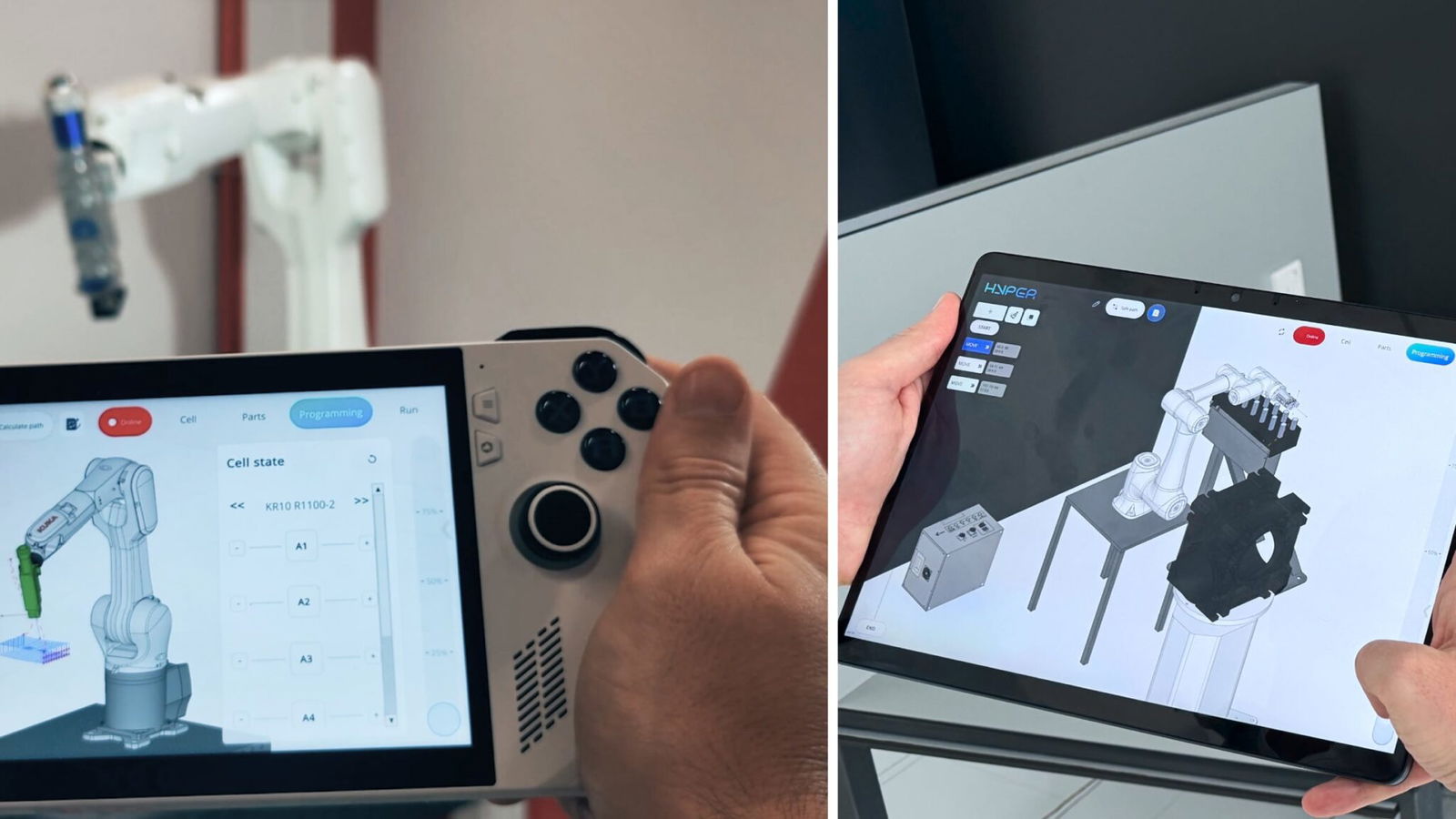
ENCY Hyper can run completely independently — and this makes it perfect for everyday automation.
- Pick-and-place
- Machine tending
- Palletizing
- Packaging
- Assembly
- Nailing

ENCY Hyper Max
ENCY Hyper acts as the operator interface, while ENCY Robot works in the background, handling heavy calculations and trajectory generation.
- Milling
- Welding
- Polishing
- Coating
- Additive

MachineMaker: zero code digital twin builder
Create accurate digital twins of your production equipment.
Design complete robot cells with all components, simulate robot functions in detail, generate error-free code with certified postprocessors
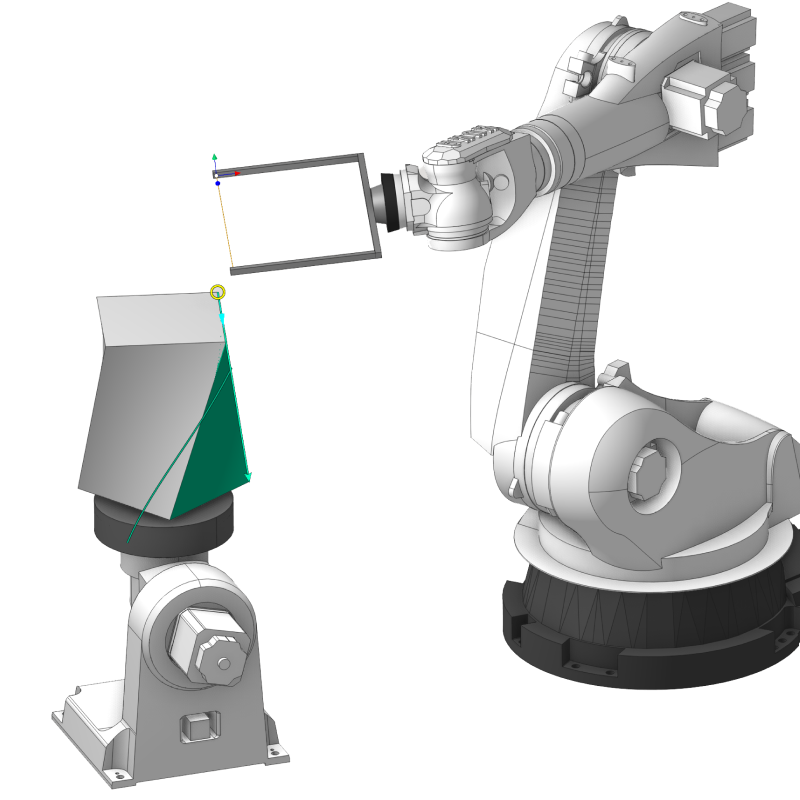
Access the Robot Components library with leading brands and quickly build custom kinematic models.
MachineMaker helps manufacturers and integrators virtually replicate real-world setups. The extensive Robot Components library includes a wide selection of industrial robot brands and various components to build virtual robot cells. High-quality simulations and detailed digital twins enable accurate planning and testing before implementation.
Who benefits from ENCY Hyper
For robot integrators
- A ready-to-use solution compatible with multiple robot brands
- No need to develop or maintain custom software anymore
- The integrator can prepare a project for the customer, and the customer can later adapt it easily without returning to the integrator
- The customer doesn’t need to learn complex CAM software
- Complete robot cells can be designed using components from a large online library, with process simulation and demonstration capabilities
For robot manufacturers
- Can be bundled with robots to provide customers a modern, flexible, and user-friendly programming solution — a strong value add
- There’s no need to develop or maintain custom software anymore
- A cross-platform application that can be installed on most industrial PCs, tablets, or even hand-held computers
For robot operators
- Offers a visual programming approach appreciated by operators and automation engineers
- Eliminates complex teach pendant routines — complete workflows can be designed with simple drag-and-drop logic
- Ensures safety through full cell simulation and automatic collision avoidance
For ENCY Robot users
- Serves as the perfect companion for users of ENCY Robot software
- Enables fine-tuning, testing, and execution of projects directly next to the real robot — without loss of data or time
- Supports integration with computer vision and real-time feedback from sensors and external devices
Discover ENCY 2.0
Simply packed with innovation, elegance and power. Now enhanced with AI driven performance, advanced automation and smarter control over CNC and robot kinematics.
ENCY is part of ENCY X
All our software products are built on the proprietary, technologically independent ENCY X platform. This platform delivers unmatched CAD/CAM power, security, extensive digital manufacturing content, powerful API tools and collaboration capabilities for engineers.
ENCY in practice
Discover in our videos how you can get more out of ENCY step by step, from smart workflows to practical applications in the manufacturing industry